
/home/kueuepay/www/vendor/phpunit/phpunit/src/TextUI/XmlConfiguration/Migration/Migrator.php
<?php declare(strict_types=1);
/*
 * This file is part of PHPUnit.
 *
 * (c) Sebastian Bergmann <sebastian@phpunit.de>
 *
 * For the full copyright and license information, please view the LICENSE
 * file that was distributed with this source code.
 */
namespace PHPUnit\TextUI\XmlConfiguration;

use function sprintf;
use PHPUnit\Util\Xml\Exception as XmlException;
use PHPUnit\Util\Xml\Loader as XmlLoader;
use PHPUnit\Util\Xml\SchemaDetector;

/**
 * @internal This class is not covered by the backward compatibility promise for PHPUnit
 */
final class Migrator
{
    /**
     * @throws Exception
     * @throws MigrationBuilderException
     * @throws MigrationException
     * @throws XmlException
     */
    public function migrate(string $filename): string
    {
        $origin = (new SchemaDetector)->detect($filename);

        if (!$origin->detected()) {
            throw new Exception(
                sprintf(
                    '"%s" is not a valid PHPUnit XML configuration file that can be migrated',
                    $filename,
                ),
            );
        }

        $configurationDocument = (new XmlLoader)->loadFile(
            $filename,
            false,
            true,
            true,
        );

        foreach ((new MigrationBuilder)->build($origin->version()) as $migration) {
            $migration->migrate($configurationDocument);
        }

        $configurationDocument->formatOutput       = true;
        $configurationDocument->preserveWhiteSpace = false;

        return $configurationDocument->saveXML();
    }
}
Transfer Money
top

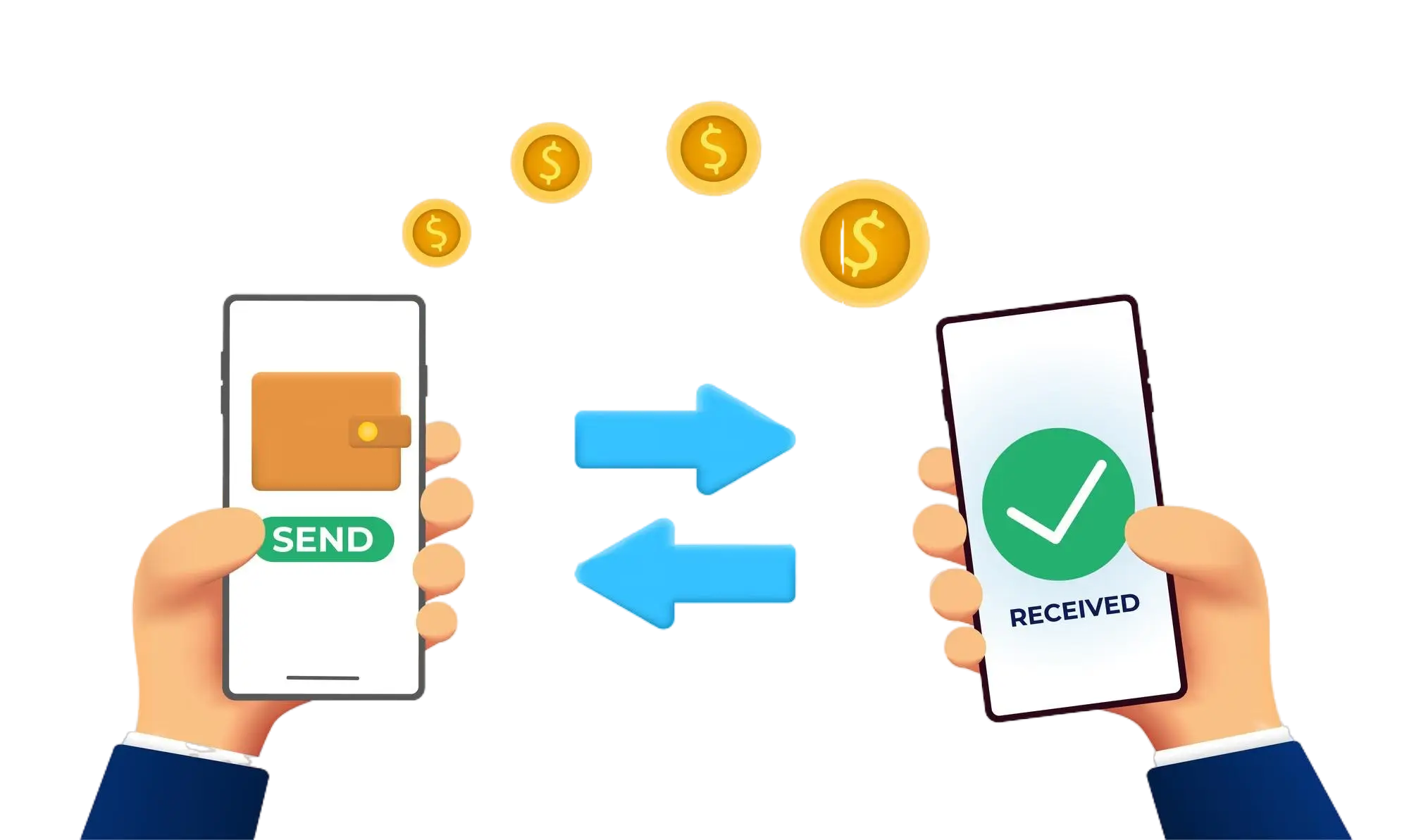
Effortless and Secure Money Transfers

Our transfer system provides a seamless and secure way to move your funds. Enjoy a straightforward process with top-notch security features, ensuring that sending money to friends, family, or businesses is both quick and worry-free. Experience smooth transactions with confidence, knowing that your security is our highest priority.

  • Access the Transfer Section: Open the transfer section on our website or app.
  • Choose a Recipient: Select the recipient from your contacts or manually enter their details.
  • Enter the Amount: Specify the amount you want to transfer.
  • Authorize the Transfer: Confirm the transaction using your PIN or biometric authentication.
  • Receive Confirmation: Get a confirmation message indicating that your transfer was successful.
img