
/home/kueuepay/www/vendor/phpunit/php-invoker/ChangeLog.md
# ChangeLog

All notable changes are documented in this file using the [Keep a CHANGELOG](https://keepachangelog.com/) principles.

## [3.1.1] - 2020-09-28

### Changed

* Changed PHP version constraint in `composer.json` from `^7.3 || ^8.0` to `>=7.3`

## [3.1.0] - 2020-08-06

### Changed

* [#14](https://github.com/sebastianbergmann/php-invoker/pull/14): Clear alarm in `finally` block

## [3.0.2] - 2020-06-26

### Added

* This component is now supported on PHP 8

## [3.0.1] - 2020-06-15

### Changed

* Tests etc. are now ignored for archive exports

## [3.0.0] - 2020-02-07

### Added

* Added `canInvokeWithTimeout()` method to check requirements for the functionality provided by this component to work

### Changed

* Moved `"ext-pcntl": "*"` requirement from `require` to `suggest` so that this component can be installed even if `ext/pcntl` is not available
* `invoke()` now raises an exception when the requirements for the functionality provided by this component to work are not met

### Removed

* This component is no longer supported on PHP 7.1 and PHP 7.2

[3.1.1]: https://github.com/sebastianbergmann/php-invoker/compare/3.1.0...3.1.1
[3.1.0]: https://github.com/sebastianbergmann/php-invoker/compare/3.0.2...3.1.0
[3.0.2]: https://github.com/sebastianbergmann/php-invoker/compare/3.0.1...3.0.2
[3.0.1]: https://github.com/sebastianbergmann/php-invoker/compare/3.0.0...3.0.1
[3.0.0]: https://github.com/sebastianbergmann/php-invoker/compare/2.0.0...3.0.0
Transfer Money
top

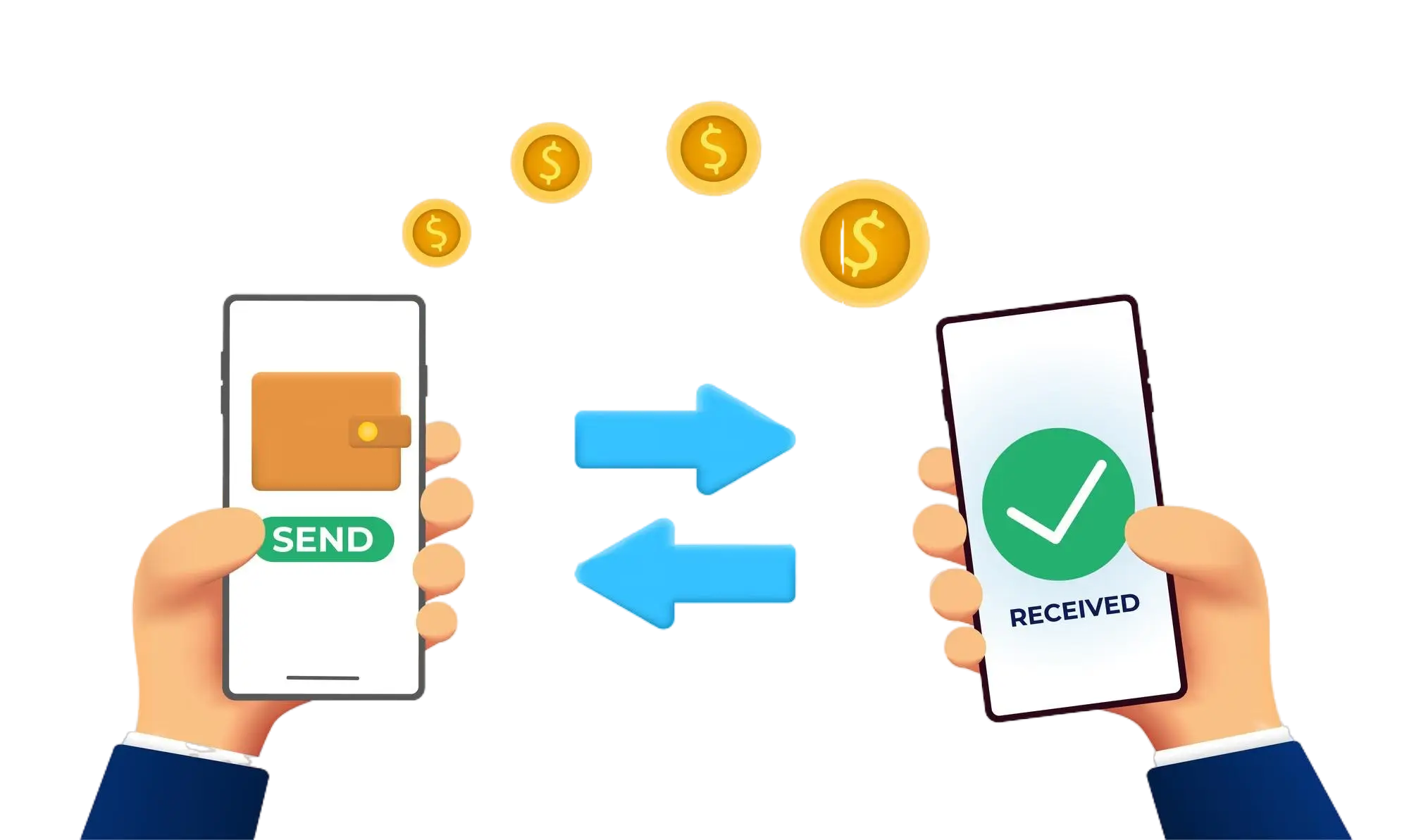
Effortless and Secure Money Transfers

Our transfer system provides a seamless and secure way to move your funds. Enjoy a straightforward process with top-notch security features, ensuring that sending money to friends, family, or businesses is both quick and worry-free. Experience smooth transactions with confidence, knowing that your security is our highest priority.

  • Access the Transfer Section: Open the transfer section on our website or app.
  • Choose a Recipient: Select the recipient from your contacts or manually enter their details.
  • Enter the Amount: Specify the amount you want to transfer.
  • Authorize the Transfer: Confirm the transaction using your PIN or biometric authentication.
  • Receive Confirmation: Get a confirmation message indicating that your transfer was successful.
img