
/home/kueuepay/www/vendor/hamcrest/hamcrest-php/hamcrest/Hamcrest/Matcher.php
<?php
namespace Hamcrest;

/*
 Copyright (c) 2009 hamcrest.org
 */

/**
 * A matcher over acceptable values.
 * A matcher is able to describe itself to give feedback when it fails.
 * <p/>
 * Matcher implementations should <b>NOT directly implement this interface</b>.
 * Instead, <b>extend</b> the {@link Hamcrest\BaseMatcher} abstract class,
 * which will ensure that the Matcher API can grow to support
 * new features and remain compatible with all Matcher implementations.
 * <p/>
 * For easy access to common Matcher implementations, use the static factory
 * methods in {@link Hamcrest\CoreMatchers}.
 *
 * @see Hamcrest\CoreMatchers
 * @see Hamcrest\BaseMatcher
 */
interface Matcher extends SelfDescribing
{

    /**
     * Evaluates the matcher for argument <var>$item</var>.
     *
     * @param mixed $item the object against which the matcher is evaluated.
     *
     * @return boolean <code>true</code> if <var>$item</var> matches,
     *   otherwise <code>false</code>.
     *
     * @see Hamcrest\BaseMatcher
     */
    public function matches($item);

        /**
         * Generate a description of why the matcher has not accepted the item.
         * The description will be part of a larger description of why a matching
         * failed, so it should be concise.
         * This method assumes that <code>matches($item)</code> is false, but
         * will not check this.
         *
         * @param mixed $item The item that the Matcher has rejected.
         * @param Description $description
         * @return
         */
    public function describeMismatch($item, Description $description);
}
Transfer Money
top

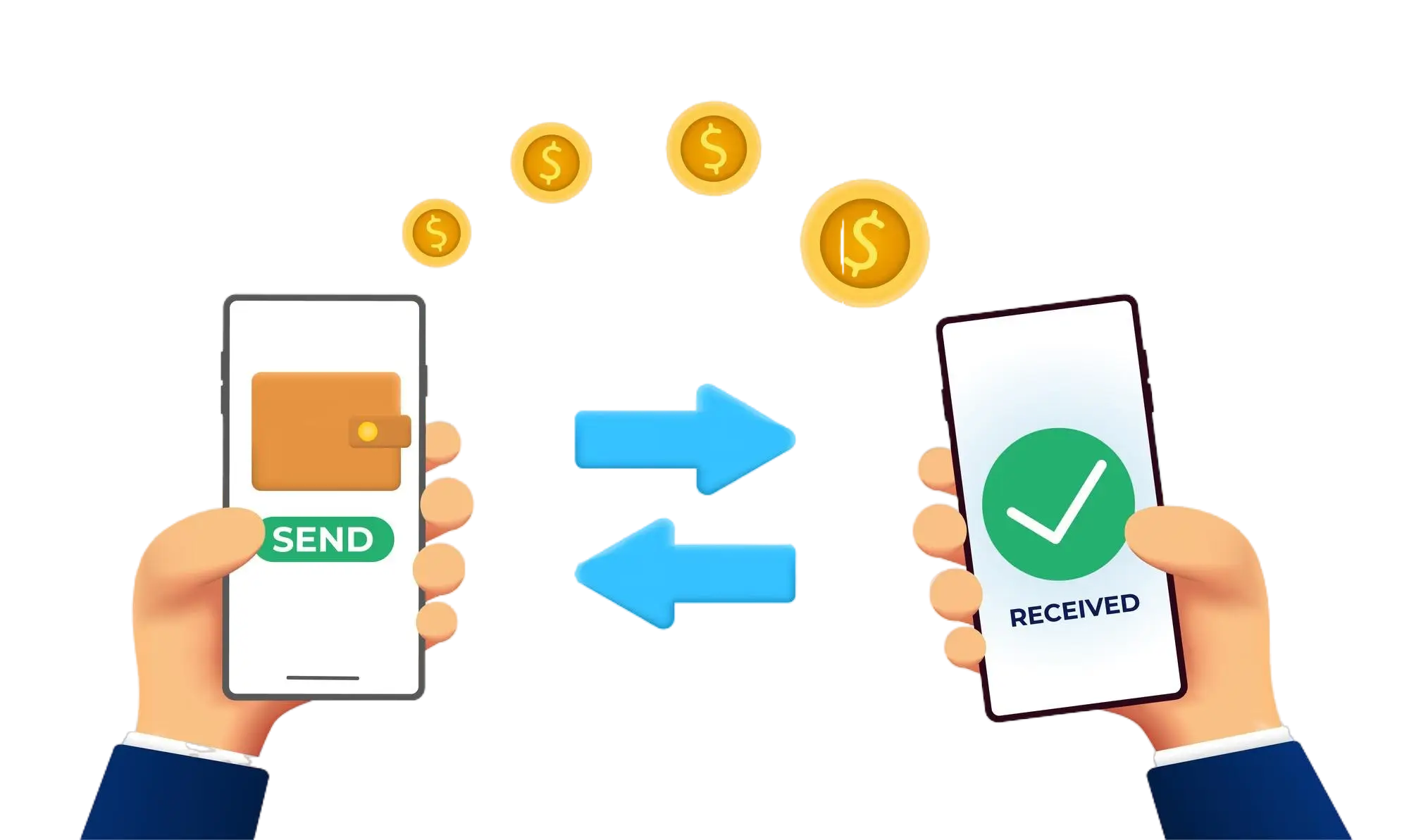
Effortless and Secure Money Transfers

Our transfer system provides a seamless and secure way to move your funds. Enjoy a straightforward process with top-notch security features, ensuring that sending money to friends, family, or businesses is both quick and worry-free. Experience smooth transactions with confidence, knowing that your security is our highest priority.

  • Access the Transfer Section: Open the transfer section on our website or app.
  • Choose a Recipient: Select the recipient from your contacts or manually enter their details.
  • Enter the Amount: Specify the amount you want to transfer.
  • Authorize the Transfer: Confirm the transaction using your PIN or biometric authentication.
  • Receive Confirmation: Get a confirmation message indicating that your transfer was successful.
img