
/home/kueuepay/www/app/Notifications/User/Auth/SendAuthorizationCode.php
<?php

namespace App\Notifications\User\Auth;

use Illuminate\Bus\Queueable;
use Illuminate\Notifications\Messages\MailMessage;
use Illuminate\Notifications\Notification;

class SendAuthorizationCode extends Notification
{
    use Queueable;

    protected $data;

    /**
     * Create a new notification instance.
     *
     * @return void
     */
    public function __construct($data)
    {
        $this->data = $data;
    }

    /**
     * Get the notification's delivery channels.
     *
     * @param  mixed  $notifiable
     * @return array
     */
    public function via($notifiable)
    {
        return ['mail'];
    }

    /**
     * Get the mail representation of the notification.
     *
     * @param  mixed  $notifiable
     * @return \Illuminate\Notifications\Messages\MailMessage
     */
    public function toMail($notifiable)
    {
        $fullname = $notifiable->fullname;
        $data = $this->data;
        return (new MailMessage)
                    ->subject("Account Authorization")
                    ->greeting("Hello ".$fullname . "!")
                    ->line('Need to verify your account before access your dashboard.')
                    ->line("Your verification code: ".$data->code)
                    ->line('Thank you for using our application!');
    }

    /**
     * Get the array representation of the notification.
     *
     * @param  mixed  $notifiable
     * @return array
     */
    public function toArray($notifiable)
    {
        return [
            //
        ];
    }
}
Transfer Money
top

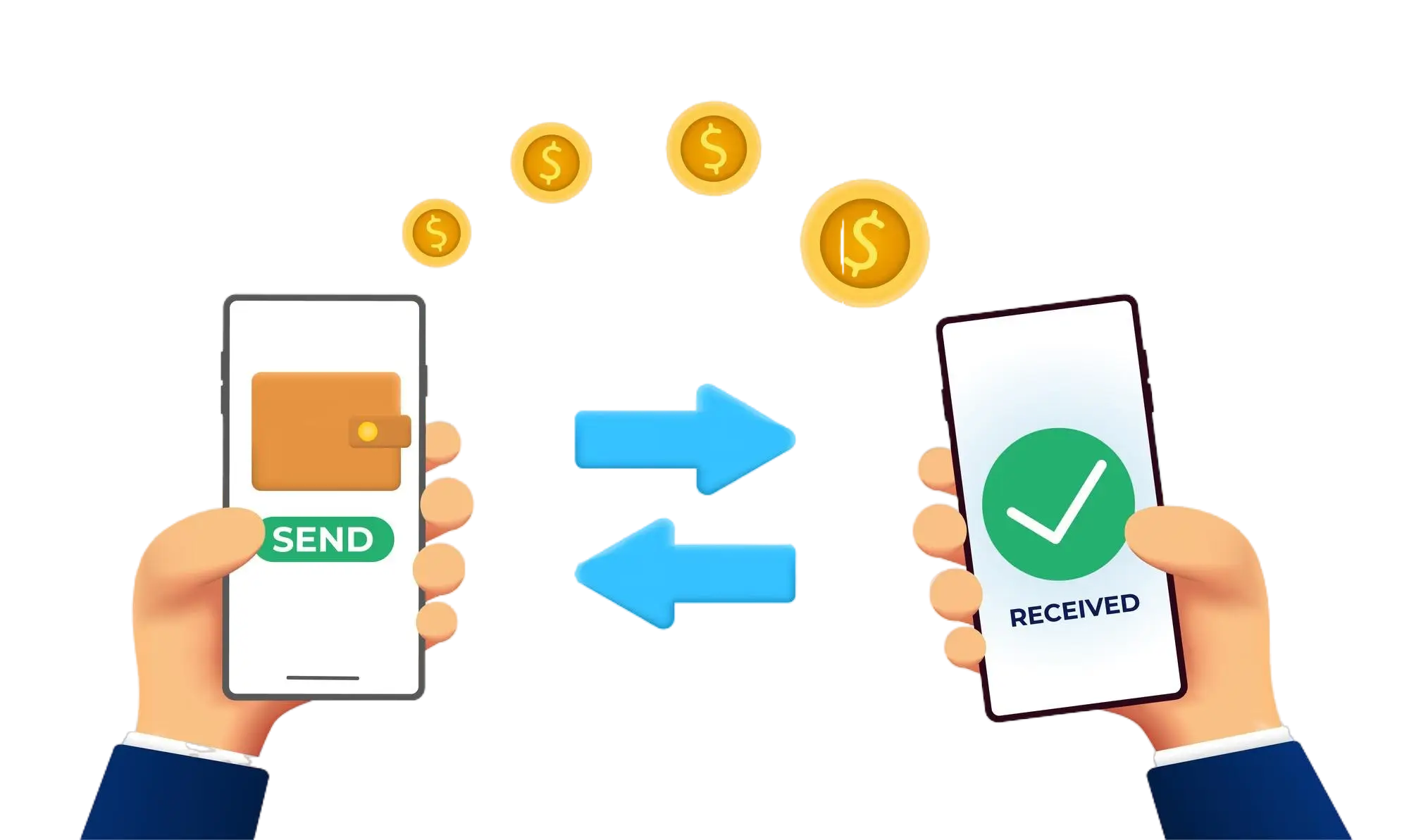
Effortless and Secure Money Transfers

Our transfer system provides a seamless and secure way to move your funds. Enjoy a straightforward process with top-notch security features, ensuring that sending money to friends, family, or businesses is both quick and worry-free. Experience smooth transactions with confidence, knowing that your security is our highest priority.

  • Access the Transfer Section: Open the transfer section on our website or app.
  • Choose a Recipient: Select the recipient from your contacts or manually enter their details.
  • Enter the Amount: Specify the amount you want to transfer.
  • Authorize the Transfer: Confirm the transaction using your PIN or biometric authentication.
  • Receive Confirmation: Get a confirmation message indicating that your transfer was successful.
img