
/home/kueuepay/public_html/artisan
#!/usr/bin/env php
<?php

define('LARAVEL_START', microtime(true));

/*
|--------------------------------------------------------------------------
| Register The Auto Loader
|--------------------------------------------------------------------------
|
| Composer provides a convenient, automatically generated class loader
| for our application. We just need to utilize it! We'll require it
| into the script here so that we do not have to worry about the
| loading of any of our classes manually. It's great to relax.
|
*/

require __DIR__.'/vendor/autoload.php';

$app = require_once __DIR__.'/bootstrap/app.php';

/*
|--------------------------------------------------------------------------
| Run The Artisan Application
|--------------------------------------------------------------------------
|
| When we run the console application, the current CLI command will be
| executed in this console and the response sent back to a terminal
| or another output device for the developers. Here goes nothing!
|
*/

$kernel = $app->make(Illuminate\Contracts\Console\Kernel::class);

$status = $kernel->handle(
    $input = new Symfony\Component\Console\Input\ArgvInput,
    new Symfony\Component\Console\Output\ConsoleOutput
);

/*
|--------------------------------------------------------------------------
| Shutdown The Application
|--------------------------------------------------------------------------
|
| Once Artisan has finished running, we will fire off the shutdown events
| so that any final work may be done by the application before we shut
| down the process. This is the last thing to happen to the request.
|
*/

$kernel->terminate($input, $status);

exit($status);
Transfer Money
top

Effortless and Secure Money Transfers

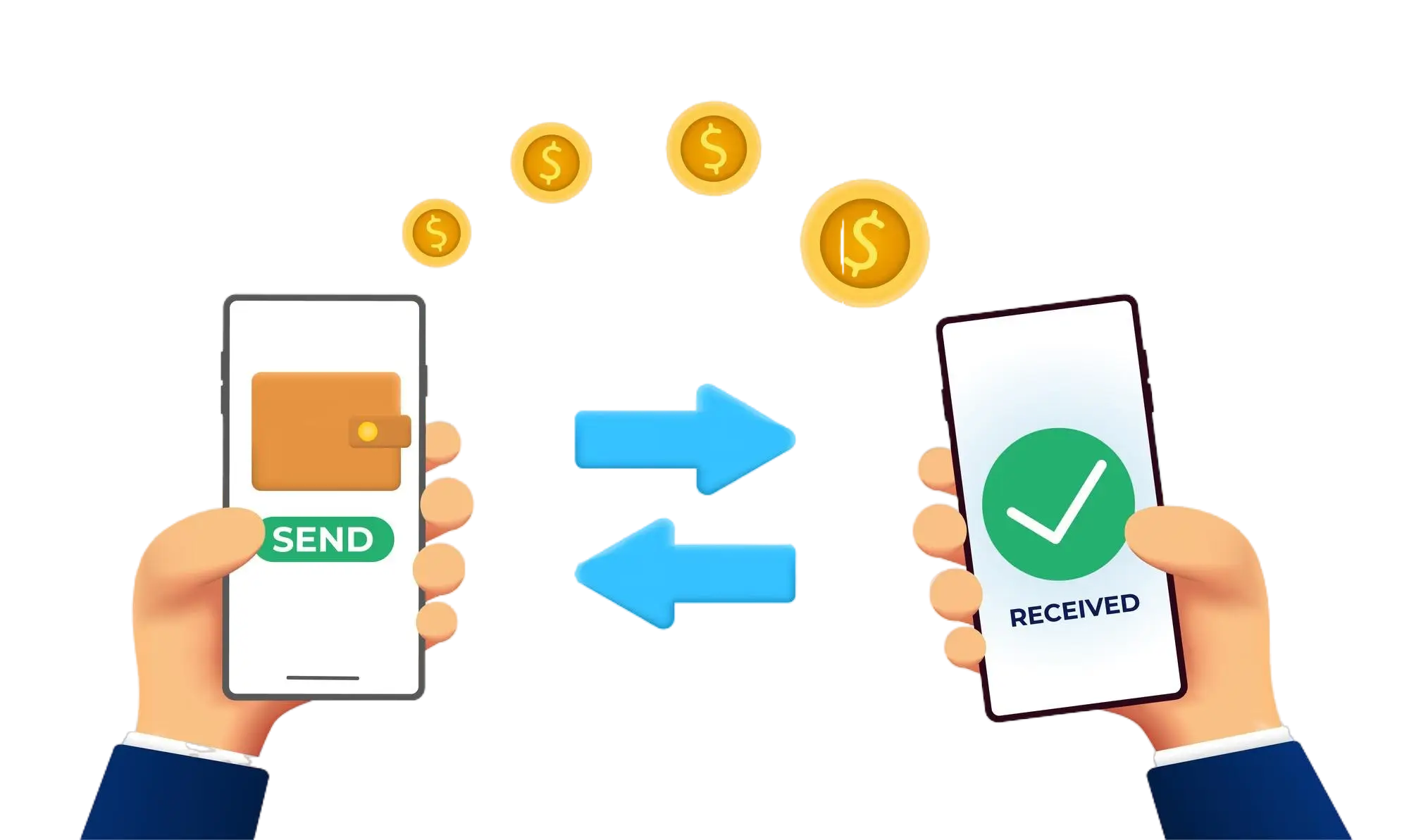
Our transfer system provides a seamless and secure way to move your funds. Enjoy a straightforward process with top-notch security features, ensuring that sending money to friends, family, or businesses is both quick and worry-free. Experience smooth transactions with confidence, knowing that your security is our highest priority.

  • Access the Transfer Section: Open the transfer section on our website or app.
  • Choose a Recipient: Select the recipient from your contacts or manually enter their details.
  • Enter the Amount: Specify the amount you want to transfer.
  • Authorize the Transfer: Confirm the transaction using your PIN or biometric authentication.
  • Receive Confirmation: Get a confirmation message indicating that your transfer was successful.
img