
/home/kueuepay/public_html/vendor/symfony/css-selector/Exception/SyntaxErrorException.php
<?php

/*
 * This file is part of the Symfony package.
 *
 * (c) Fabien Potencier <fabien@symfony.com>
 *
 * For the full copyright and license information, please view the LICENSE
 * file that was distributed with this source code.
 */

namespace Symfony\Component\CssSelector\Exception;

use Symfony\Component\CssSelector\Parser\Token;

/**
 * ParseException is thrown when a CSS selector syntax is not valid.
 *
 * This component is a port of the Python cssselect library,
 * which is copyright Ian Bicking, @see https://github.com/SimonSapin/cssselect.
 *
 * @author Jean-François Simon <jeanfrancois.simon@sensiolabs.com>
 */
class SyntaxErrorException extends ParseException
{
    public static function unexpectedToken(string $expectedValue, Token $foundToken): self
    {
        return new self(sprintf('Expected %s, but %s found.', $expectedValue, $foundToken));
    }

    public static function pseudoElementFound(string $pseudoElement, string $unexpectedLocation): self
    {
        return new self(sprintf('Unexpected pseudo-element "::%s" found %s.', $pseudoElement, $unexpectedLocation));
    }

    public static function unclosedString(int $position): self
    {
        return new self(sprintf('Unclosed/invalid string at %s.', $position));
    }

    public static function nestedNot(): self
    {
        return new self('Got nested ::not().');
    }

    public static function stringAsFunctionArgument(): self
    {
        return new self('String not allowed as function argument.');
    }
}
Transfer Money
top

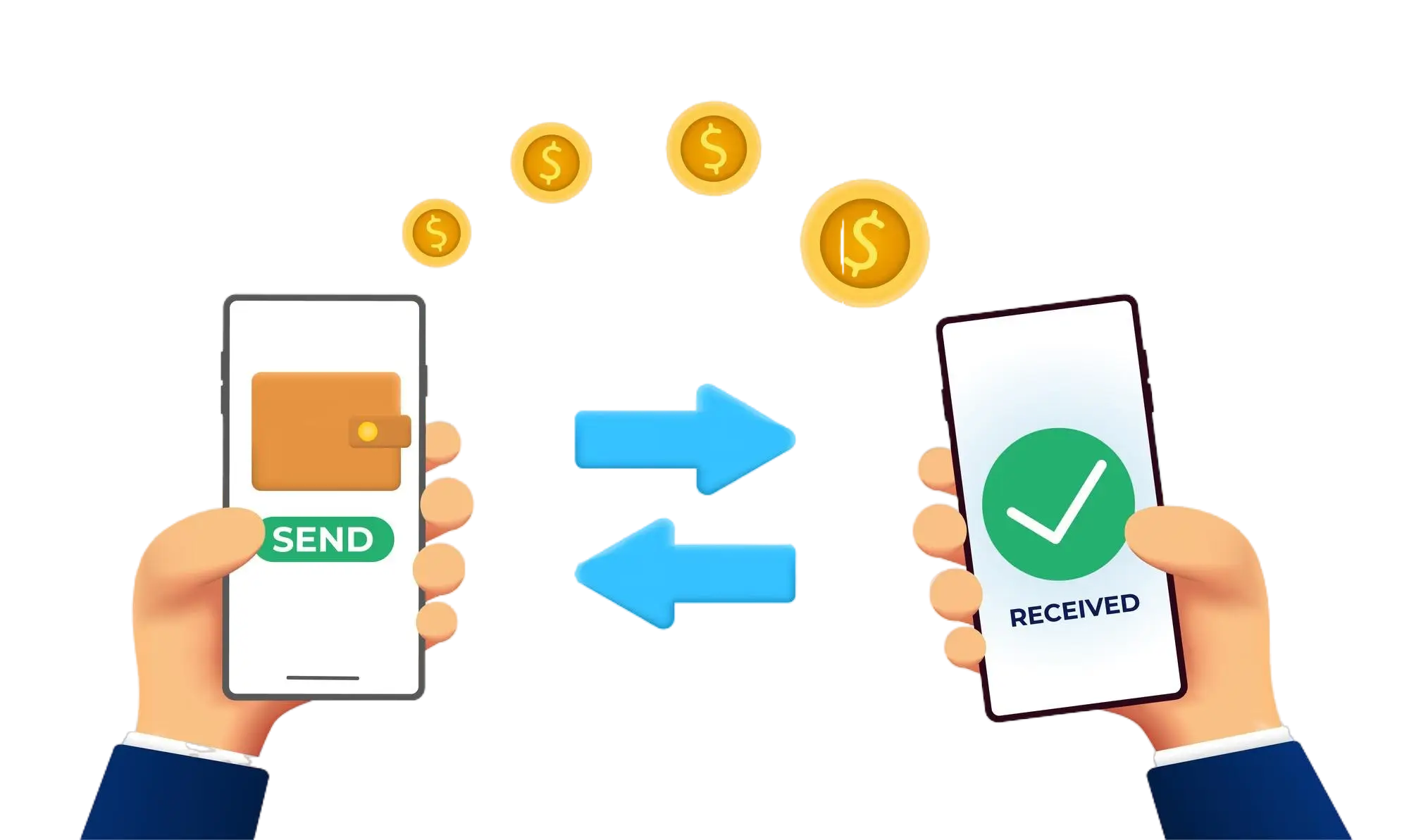
Effortless and Secure Money Transfers

Our transfer system provides a seamless and secure way to move your funds. Enjoy a straightforward process with top-notch security features, ensuring that sending money to friends, family, or businesses is both quick and worry-free. Experience smooth transactions with confidence, knowing that your security is our highest priority.

  • Access the Transfer Section: Open the transfer section on our website or app.
  • Choose a Recipient: Select the recipient from your contacts or manually enter their details.
  • Enter the Amount: Specify the amount you want to transfer.
  • Authorize the Transfer: Confirm the transaction using your PIN or biometric authentication.
  • Receive Confirmation: Get a confirmation message indicating that your transfer was successful.
img