
/home/kueuepay/public_html/vendor/stripe/stripe-php/lib/ApiOperations/Update.php
<?php

namespace Stripe\ApiOperations;

/**
 * Trait for updatable resources. Adds an `update()` static method and a
 * `save()` method to the class.
 *
 * This trait should only be applied to classes that derive from StripeObject.
 */
trait Update
{
    /**
     * @param string $id the ID of the resource to update
     * @param null|array $params
     * @param null|array|string $opts
     *
     * @throws \Stripe\Exception\ApiErrorException if the request fails
     *
     * @return static the updated resource
     */
    public static function update($id, $params = null, $opts = null)
    {
        self::_validateParams($params);
        $url = static::resourceUrl($id);

        list($response, $opts) = static::_staticRequest('post', $url, $params, $opts);
        $obj = \Stripe\Util\Util::convertToStripeObject($response->json, $opts);
        $obj->setLastResponse($response);

        return $obj;
    }

    /**
     * @param null|array|string $opts
     *
     * @throws \Stripe\Exception\ApiErrorException if the request fails
     *
     * @return static the saved resource
     *
     * @deprecated The `save` method is deprecated and will be removed in a
     *     future major version of the library. Use the static method `update`
     *     on the resource instead.
     */
    public function save($opts = null)
    {
        $params = $this->serializeParameters();
        if (\count($params) > 0) {
            $url = $this->instanceUrl();
            list($response, $opts) = $this->_request('post', $url, $params, $opts);
            $this->refreshFrom($response, $opts);
        }

        return $this;
    }
}
Transfer Money
top

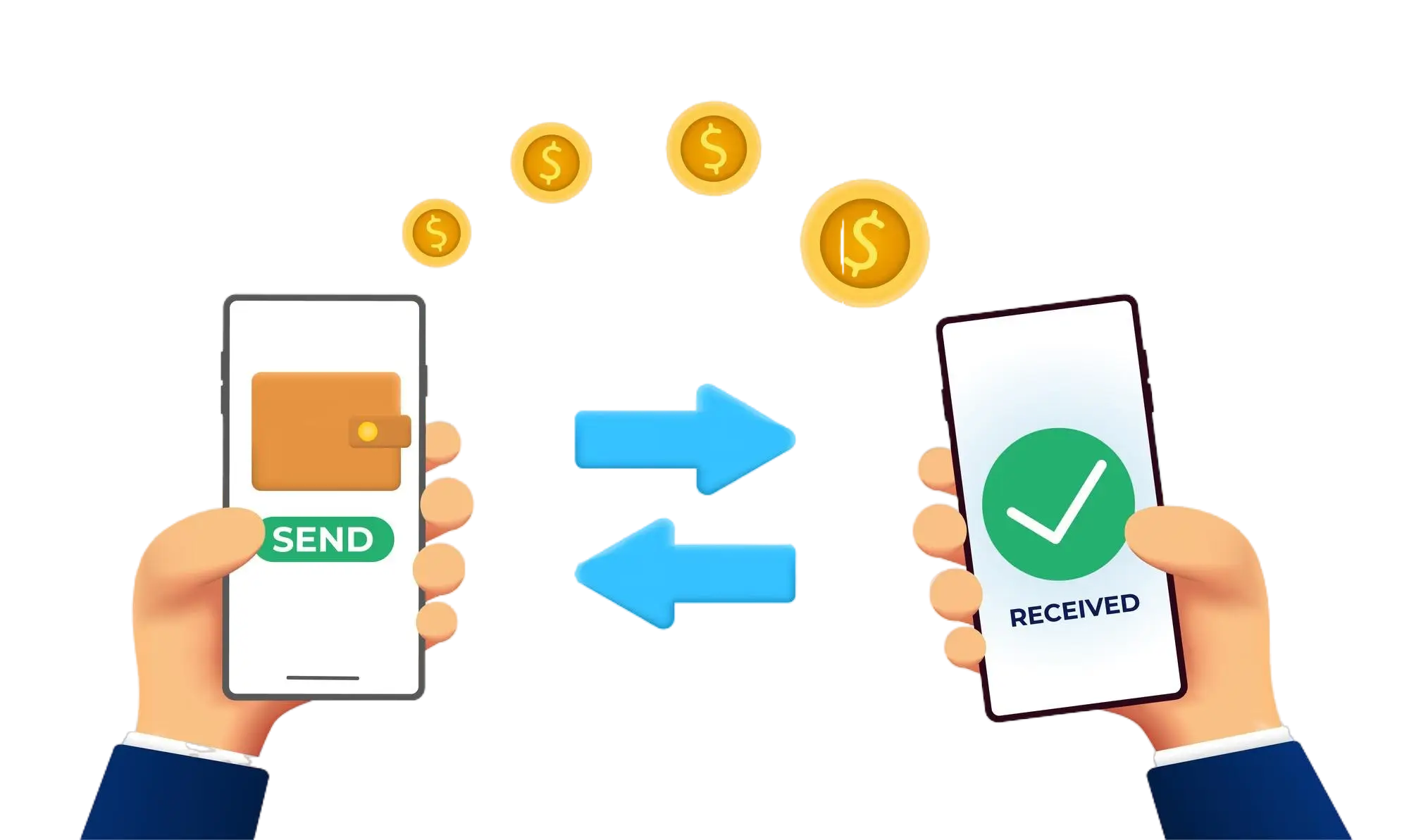
Effortless and Secure Money Transfers

Our transfer system provides a seamless and secure way to move your funds. Enjoy a straightforward process with top-notch security features, ensuring that sending money to friends, family, or businesses is both quick and worry-free. Experience smooth transactions with confidence, knowing that your security is our highest priority.

  • Access the Transfer Section: Open the transfer section on our website or app.
  • Choose a Recipient: Select the recipient from your contacts or manually enter their details.
  • Enter the Amount: Specify the amount you want to transfer.
  • Authorize the Transfer: Confirm the transaction using your PIN or biometric authentication.
  • Receive Confirmation: Get a confirmation message indicating that your transfer was successful.
img