
/home/kueuepay/public_html/vendor/psr/http-factory/src/UploadedFileFactoryInterface.php
<?php

namespace Psr\Http\Message;

interface UploadedFileFactoryInterface
{
    /**
     * Create a new uploaded file.
     *
     * If a size is not provided it will be determined by checking the size of
     * the file.
     *
     * @see http://php.net/manual/features.file-upload.post-method.php
     * @see http://php.net/manual/features.file-upload.errors.php
     *
     * @param StreamInterface $stream Underlying stream representing the
     *     uploaded file content.
     * @param int $size in bytes
     * @param int $error PHP file upload error
     * @param string $clientFilename Filename as provided by the client, if any.
     * @param string $clientMediaType Media type as provided by the client, if any.
     *
     * @return UploadedFileInterface
     *
     * @throws \InvalidArgumentException If the file resource is not readable.
     */
    public function createUploadedFile(
        StreamInterface $stream,
        int $size = null,
        int $error = \UPLOAD_ERR_OK,
        string $clientFilename = null,
        string $clientMediaType = null
    ): UploadedFileInterface;
}
Transfer Money
top

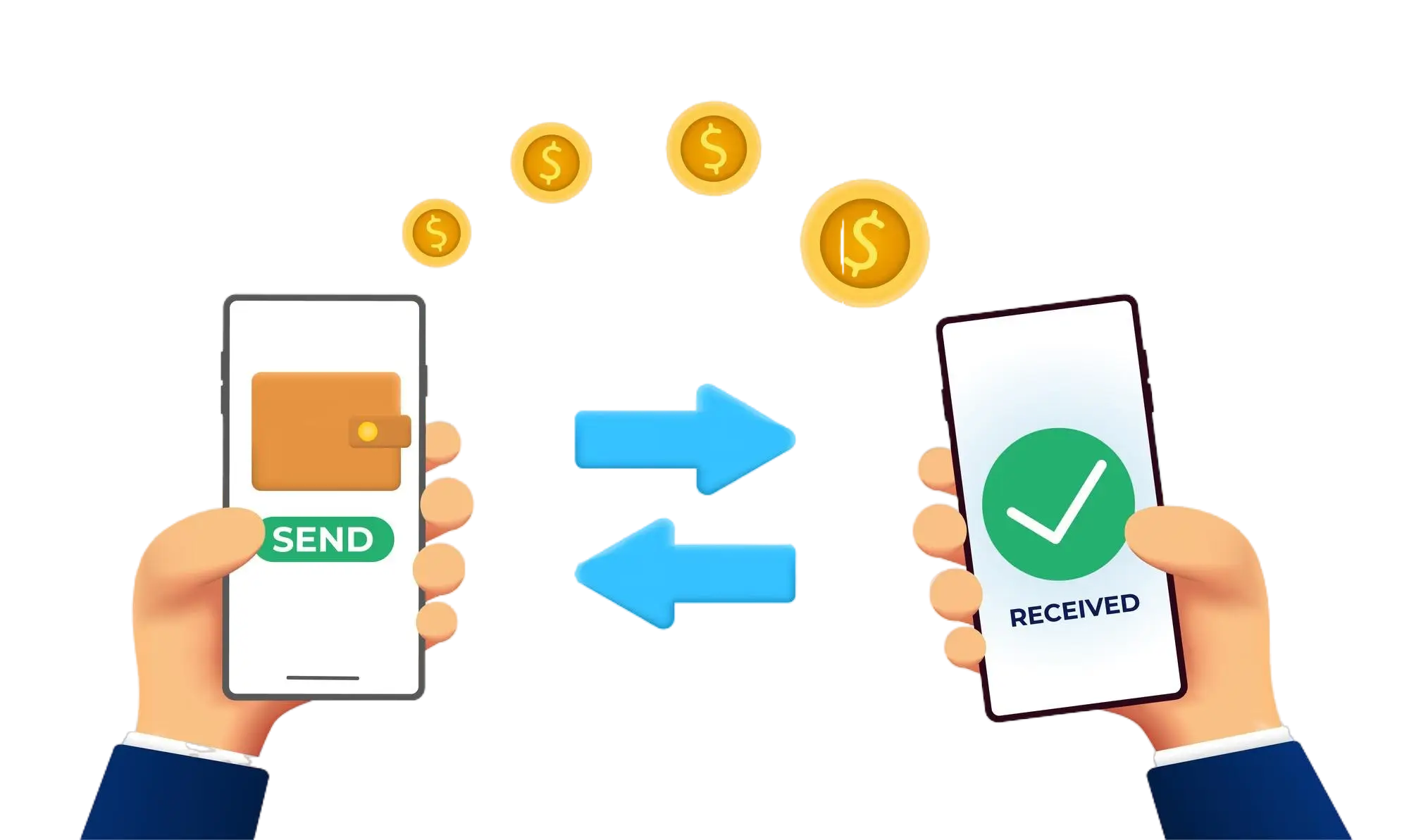
Effortless and Secure Money Transfers

Our transfer system provides a seamless and secure way to move your funds. Enjoy a straightforward process with top-notch security features, ensuring that sending money to friends, family, or businesses is both quick and worry-free. Experience smooth transactions with confidence, knowing that your security is our highest priority.

  • Access the Transfer Section: Open the transfer section on our website or app.
  • Choose a Recipient: Select the recipient from your contacts or manually enter their details.
  • Enter the Amount: Specify the amount you want to transfer.
  • Authorize the Transfer: Confirm the transaction using your PIN or biometric authentication.
  • Receive Confirmation: Get a confirmation message indicating that your transfer was successful.
img