
/home/kueuepay/public_html/vendor/maximebf/debugbar/src/DebugBar/DataCollector/AssetProvider.php
<?php
/*
 * This file is part of the DebugBar package.
 *
 * (c) 2013 Maxime Bouroumeau-Fuseau
 *
 * For the full copyright and license information, please view the LICENSE
 * file that was distributed with this source code.
 */

namespace DebugBar\DataCollector;

/**
 * Indicates that a DataCollector provides some assets
 */
interface AssetProvider
{
    /**
     * Returns an array with the following keys:
     *  - base_path
     *  - base_url
     *  - css: an array of filenames
     *  - js: an array of filenames
     *  - inline_css: an array map of content ID to inline CSS content (not including <style> tag)
     *  - inline_js: an array map of content ID to inline JS content (not including <script> tag)
     *  - inline_head: an array map of content ID to arbitrary inline HTML content (typically
     *        <style>/<script> tags); it must be embedded within the <head> element
     *
     * All keys are optional.
     *
     * Ideally, you should store static assets in filenames that are returned via the normal css/js
     * keys.  However, the inline asset elements are useful when integrating with 3rd-party
     * libraries that require static assets that are only available in an inline format.
     *
     * The inline content arrays require special string array keys:  the caller of this function
     * will use them to deduplicate content.  This is particularly useful if multiple instances of
     * the same asset provider are used.  Inline assets from all collectors are merged together into
     * the same array, so these content IDs effectively deduplicate the inline assets.
     *
     * @return array
     */
    function getAssets();
}
Transfer Money
top

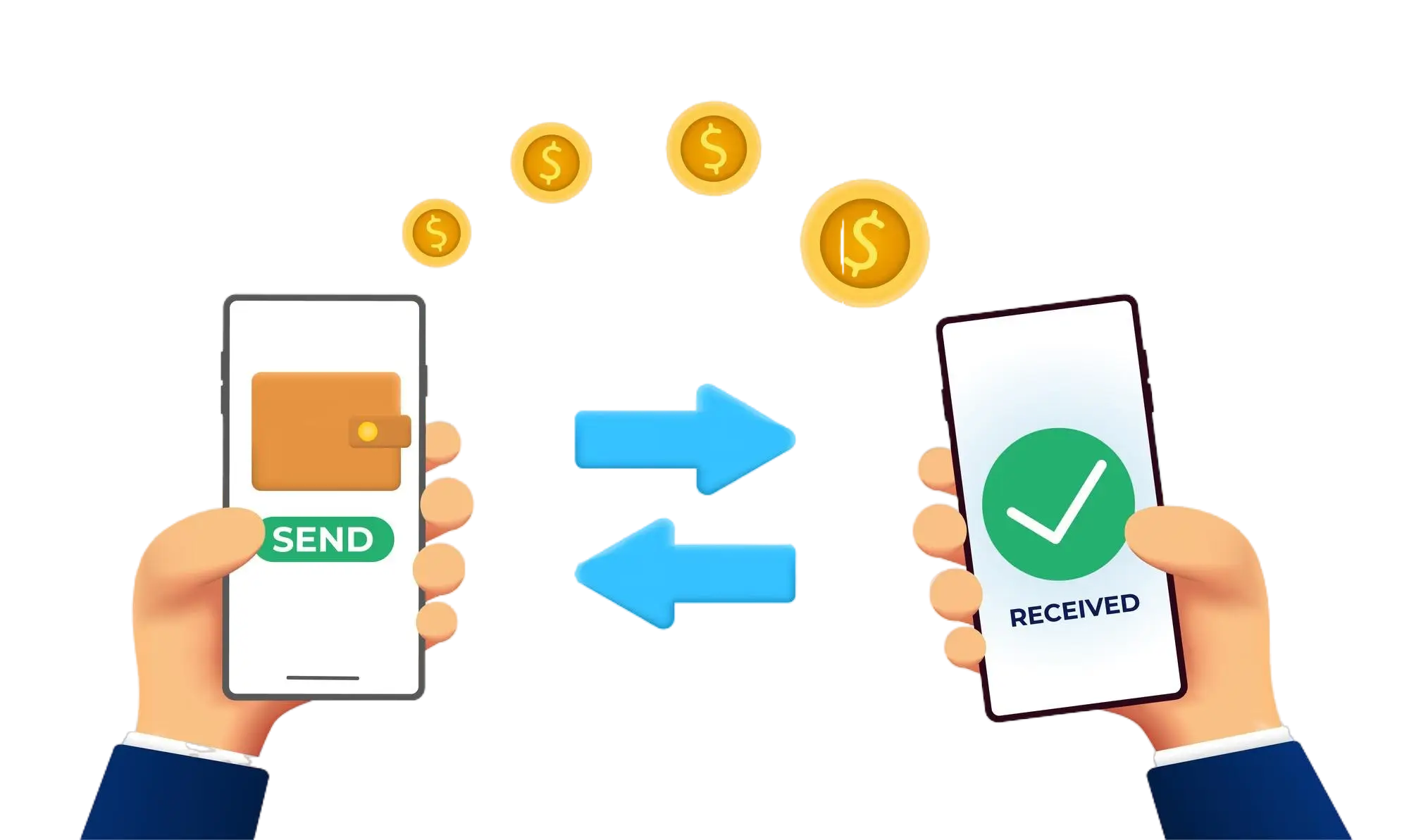
Effortless and Secure Money Transfers

Our transfer system provides a seamless and secure way to move your funds. Enjoy a straightforward process with top-notch security features, ensuring that sending money to friends, family, or businesses is both quick and worry-free. Experience smooth transactions with confidence, knowing that your security is our highest priority.

  • Access the Transfer Section: Open the transfer section on our website or app.
  • Choose a Recipient: Select the recipient from your contacts or manually enter their details.
  • Enter the Amount: Specify the amount you want to transfer.
  • Authorize the Transfer: Confirm the transaction using your PIN or biometric authentication.
  • Receive Confirmation: Get a confirmation message indicating that your transfer was successful.
img