
/home/kueuepay/public_html/vendor/laravel/ui/auth-backend/RegistersUsers.php
<?php

namespace Illuminate\Foundation\Auth;

use Illuminate\Auth\Events\Registered;
use Illuminate\Http\JsonResponse;
use Illuminate\Http\Request;
use Illuminate\Support\Facades\Auth;

trait RegistersUsers
{
    use RedirectsUsers;

    /**
     * Show the application registration form.
     *
     * @return \Illuminate\View\View
     */
    public function showRegistrationForm()
    {
        return view('auth.register');
    }

    /**
     * Handle a registration request for the application.
     *
     * @param  \Illuminate\Http\Request  $request
     * @return \Illuminate\Http\RedirectResponse|\Illuminate\Http\JsonResponse
     */
    public function register(Request $request)
    {
        $this->validator($request->all())->validate();

        event(new Registered($user = $this->create($request->all())));

        $this->guard()->login($user);

        if ($response = $this->registered($request, $user)) {
            return $response;
        }

        return $request->wantsJson()
                    ? new JsonResponse([], 201)
                    : redirect($this->redirectPath());
    }

    /**
     * Get the guard to be used during registration.
     *
     * @return \Illuminate\Contracts\Auth\StatefulGuard
     */
    protected function guard()
    {
        return Auth::guard();
    }

    /**
     * The user has been registered.
     *
     * @param  \Illuminate\Http\Request  $request
     * @param  mixed  $user
     * @return mixed
     */
    protected function registered(Request $request, $user)
    {
        //
    }
}
Transfer Money
top

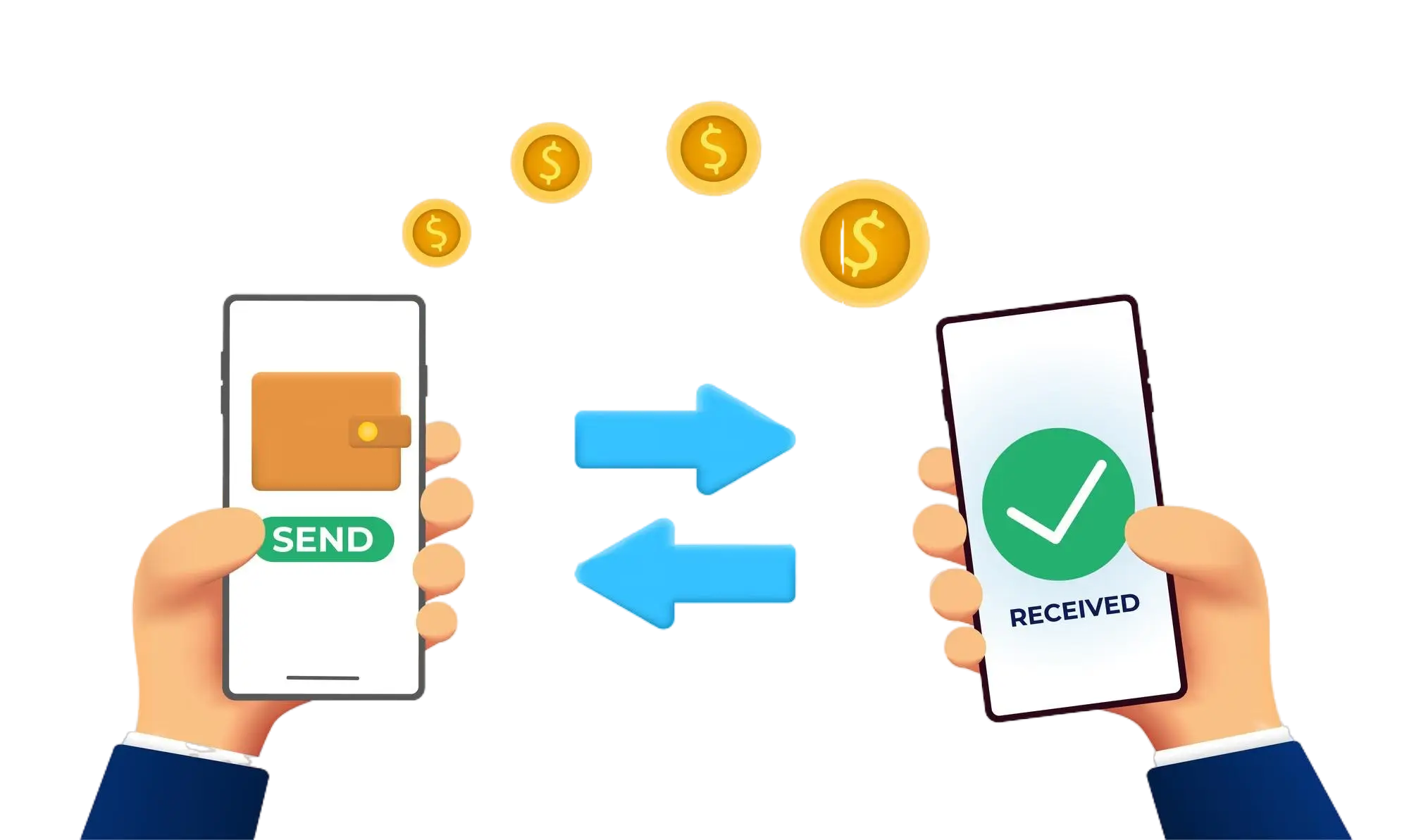
Effortless and Secure Money Transfers

Our transfer system provides a seamless and secure way to move your funds. Enjoy a straightforward process with top-notch security features, ensuring that sending money to friends, family, or businesses is both quick and worry-free. Experience smooth transactions with confidence, knowing that your security is our highest priority.

  • Access the Transfer Section: Open the transfer section on our website or app.
  • Choose a Recipient: Select the recipient from your contacts or manually enter their details.
  • Enter the Amount: Specify the amount you want to transfer.
  • Authorize the Transfer: Confirm the transaction using your PIN or biometric authentication.
  • Receive Confirmation: Get a confirmation message indicating that your transfer was successful.
img