
/home/kueuepay/public_html/vendor/laravel/framework/src/Illuminate/Queue/README.md
## Illuminate Queue

The Laravel Queue component provides a unified API across a variety of different queue services. Queues allow you to defer the processing of a time consuming task, such as sending an e-mail, until a later time, thus drastically speeding up the web requests to your application.

### Usage Instructions

First, create a new Queue `Capsule` manager instance. Similar to the "Capsule" provided for the Eloquent ORM, the queue Capsule aims to make configuring the library for usage outside of the Laravel framework as easy as possible.

```PHP
use Illuminate\Queue\Capsule\Manager as Queue;

$queue = new Queue;

$queue->addConnection([
    'driver' => 'beanstalkd',
    'host' => 'localhost',
    'queue' => 'default',
]);

// Make this Capsule instance available globally via static methods... (optional)
$queue->setAsGlobal();
```

Once the Capsule instance has been registered. You may use it like so:

```PHP
// As an instance...
$queue->push('SendEmail', ['message' => $message]);

// If setAsGlobal has been called...
Queue::push('SendEmail', ['message' => $message]);
```

For further documentation on using the queue, consult the [Laravel framework documentation](https://laravel.com/docs).
Transfer Money
top

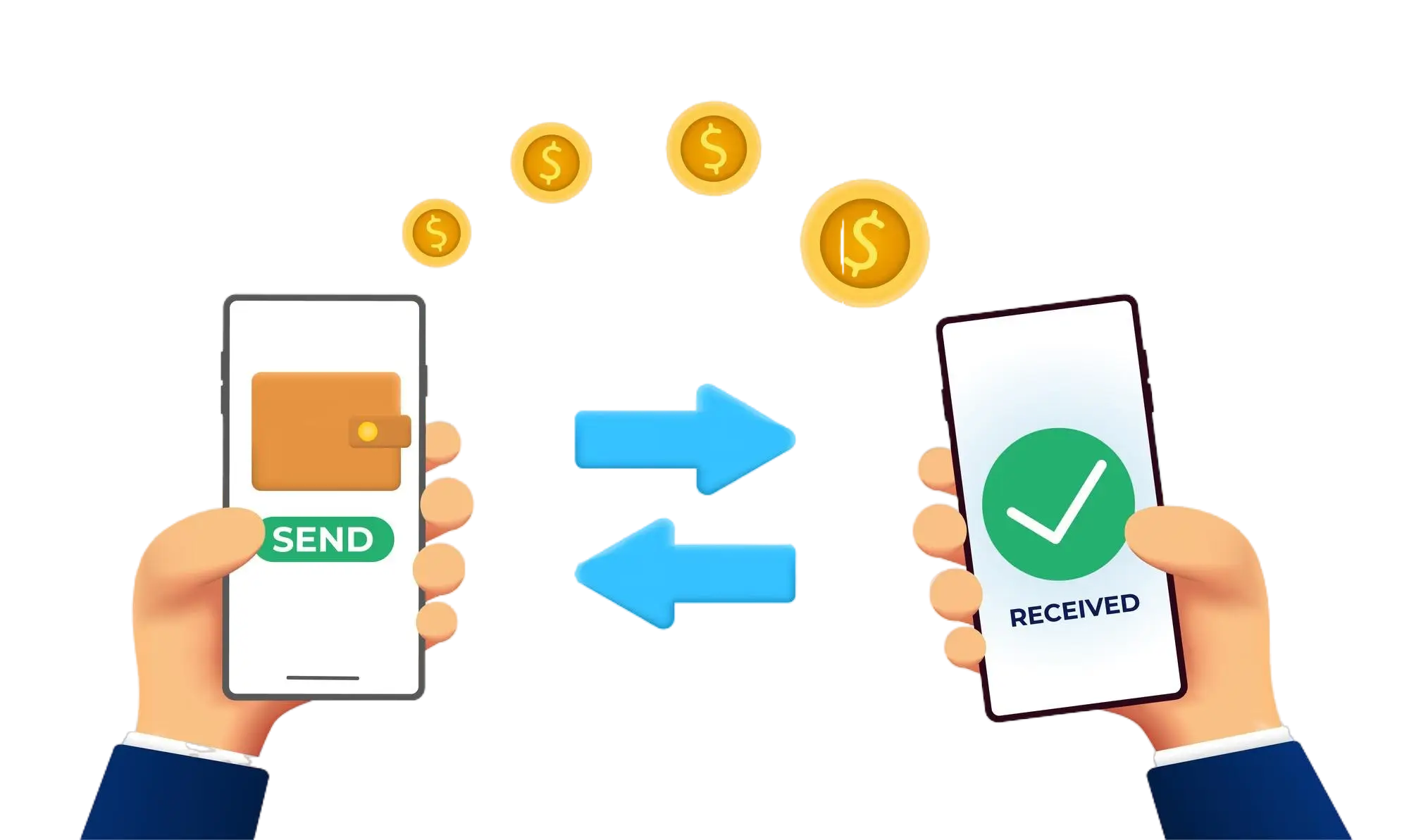
Effortless and Secure Money Transfers

Our transfer system provides a seamless and secure way to move your funds. Enjoy a straightforward process with top-notch security features, ensuring that sending money to friends, family, or businesses is both quick and worry-free. Experience smooth transactions with confidence, knowing that your security is our highest priority.

  • Access the Transfer Section: Open the transfer section on our website or app.
  • Choose a Recipient: Select the recipient from your contacts or manually enter their details.
  • Enter the Amount: Specify the amount you want to transfer.
  • Authorize the Transfer: Confirm the transaction using your PIN or biometric authentication.
  • Receive Confirmation: Get a confirmation message indicating that your transfer was successful.
img