
/home/kueuepay/public_html/vendor/defuse/php-encryption/docs/InstallingAndVerifying.md
Getting The Code
=================

There are two ways to use this library in your applications. You can either:

1. Use [Composer](https://getcomposer.org/), or
2. `require_once` a single `.phar` file in your application.

If you are not using either option (for example, because you're using Git submodules), you may need to write your own autoloader ([example](https://gist.github.com/paragonie-scott/949daee819bb7f19c50e5e103170b400)).

Option 1: Using Composer
-------------------------

Run this inside the directory of your composer-enabled project:

```sh
composer require defuse/php-encryption
```

Unfortunately, composer doesn't provide a way for you to verify that the code
you're getting was signed by this library's authors. If you want a more secure
option, use the `.phar` method described below.

Option 2: Including a PHAR
----------------------------

The `.phar` option lets you include this library into your project simply by
calling `require_once` on a single file. Download `defuse-crypto.phar` and
`defuse-crypto.phar.sig` from this project's
[releases](https://github.com/defuse/php-encryption/releases) page.

You should verify the integrity of the `.phar`. The `defuse-crypto.phar.sig`
contains the signature of `defuse-crypto.phar`. It is signed with Taylor
Hornby's PGP key. You can find Taylor's public key in `dist/signingkey.asc`. You
can verify the public key's fingerprint against the Taylor Hornby's [contact
page](https://defuse.ca/contact.htm) and
[twitter](https://twitter.com/DefuseSec/status/723741424253059074).

Once you have verified the signature, it is safe to use the `.phar`. Place it
somewhere in your file system, e.g. `/var/www/lib/defuse-crypto.phar`, and then
pass that path to `require_once`.

```php
<?php

    require_once('/var/www/lib/defuse-crypto.phar');

    // ... the Crypto, File, Key, and KeyProtectedByPassword classes are now
    // available ...

    // ...
```

Transfer Money
top

Effortless and Secure Money Transfers

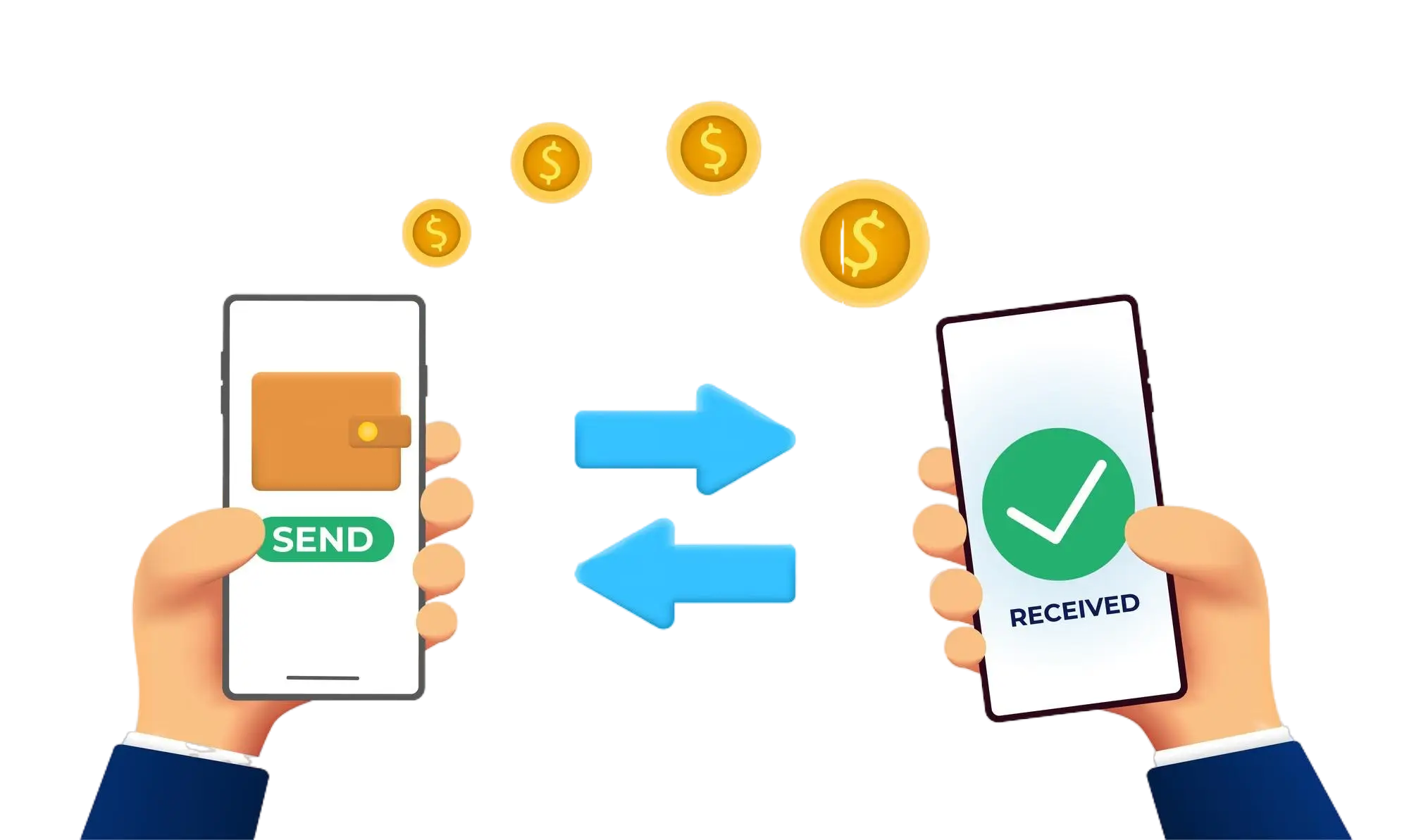
Our transfer system provides a seamless and secure way to move your funds. Enjoy a straightforward process with top-notch security features, ensuring that sending money to friends, family, or businesses is both quick and worry-free. Experience smooth transactions with confidence, knowing that your security is our highest priority.

  • Access the Transfer Section: Open the transfer section on our website or app.
  • Choose a Recipient: Select the recipient from your contacts or manually enter their details.
  • Enter the Amount: Specify the amount you want to transfer.
  • Authorize the Transfer: Confirm the transaction using your PIN or biometric authentication.
  • Receive Confirmation: Get a confirmation message indicating that your transfer was successful.
img