
/home/kueuepay/public_html/resources/views/developer/pages/example.blade.php
@extends('developer.layouts.master')

@section('content')
<div class="developer-body-wrapper">
    <div class="developer-main-wrapper">
        <h1 class="heading-title mb-20">{{ __("Examples") }} </h1>
        <p class="pb-10">{{ __("For code examples and implementation guides, please refer to the “Examples” section on our developer portal") }}. <a href="https://github.com/appdevsx/NFCPay-Gateway-Example.git" target="_blank" class="highlight text--base">{{ __("Go to GitHub Repository") }}</a></p>
    </div>
    <div class="page-change-area">
        <div class="navigation-wrapper">
            <a href="{{ setRoute('frontend.developer.best.practice') }}" class="left"><i class="las la-arrow-left me-1"></i> {{ __("Best Practices") }}</a>
            <a href="{{ setRoute('frontend.developer.faq') }}" class="right">{{ __("FAQ") }} <i class="las la-arrow-right ms-1"></i></a>
        </div>
    </div>
</div>
@endsection
Transfer Money
top

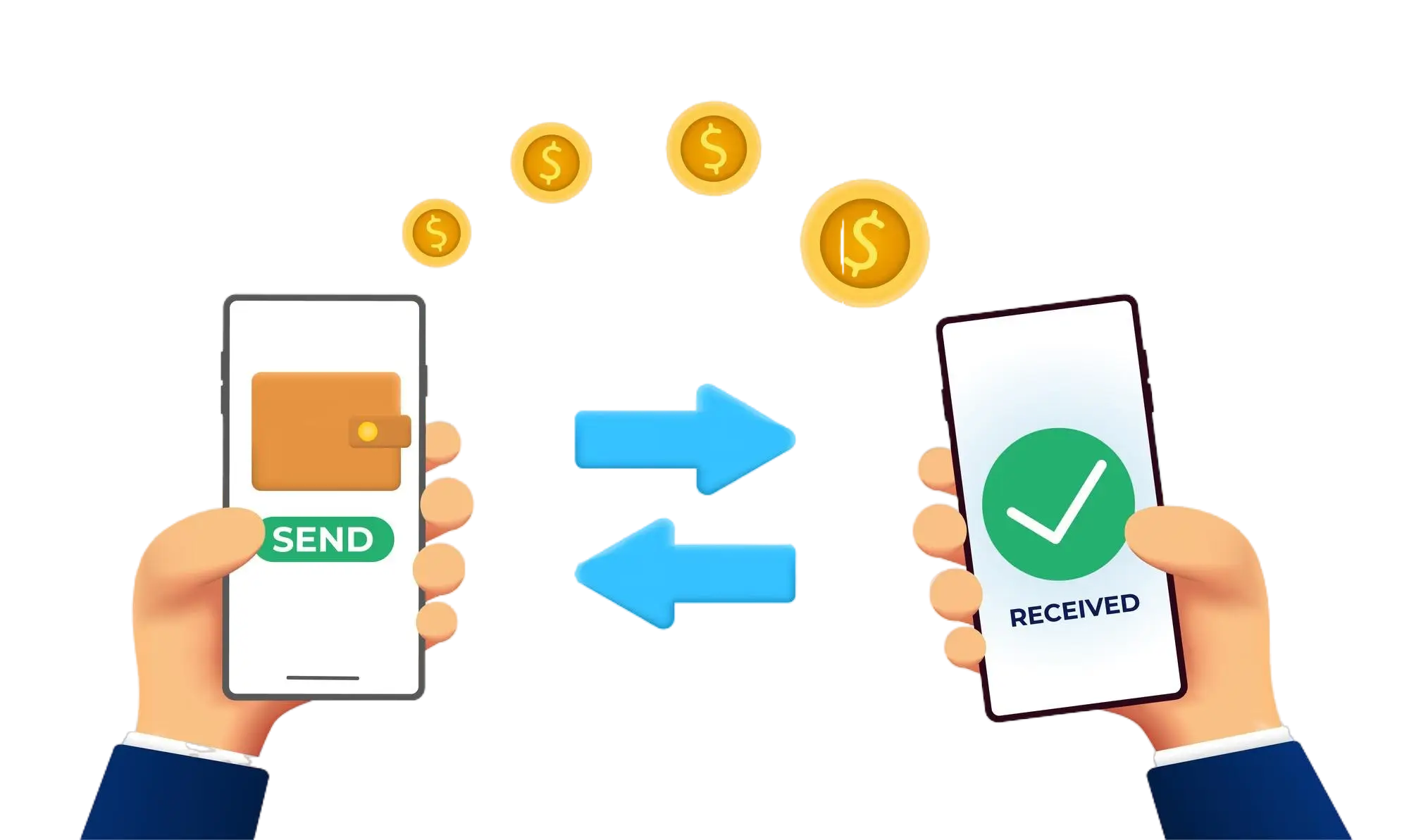
Effortless and Secure Money Transfers

Our transfer system provides a seamless and secure way to move your funds. Enjoy a straightforward process with top-notch security features, ensuring that sending money to friends, family, or businesses is both quick and worry-free. Experience smooth transactions with confidence, knowing that your security is our highest priority.

  • Access the Transfer Section: Open the transfer section on our website or app.
  • Choose a Recipient: Select the recipient from your contacts or manually enter their details.
  • Enter the Amount: Specify the amount you want to transfer.
  • Authorize the Transfer: Confirm the transaction using your PIN or biometric authentication.
  • Receive Confirmation: Get a confirmation message indicating that your transfer was successful.
img