
/home/kueuepay/public_html/config/hashing.php
<?php

return [

    /*
    |--------------------------------------------------------------------------
    | Default Hash Driver
    |--------------------------------------------------------------------------
    |
    | This option controls the default hash driver that will be used to hash
    | passwords for your application. By default, the bcrypt algorithm is
    | used; however, you remain free to modify this option if you wish.
    |
    | Supported: "bcrypt", "argon", "argon2id"
    |
    */

    'driver' => 'bcrypt',

    /*
    |--------------------------------------------------------------------------
    | Bcrypt Options
    |--------------------------------------------------------------------------
    |
    | Here you may specify the configuration options that should be used when
    | passwords are hashed using the Bcrypt algorithm. This will allow you
    | to control the amount of time it takes to hash the given password.
    |
    */

    'bcrypt' => [
        'rounds' => env('BCRYPT_ROUNDS', 10),
    ],

    /*
    |--------------------------------------------------------------------------
    | Argon Options
    |--------------------------------------------------------------------------
    |
    | Here you may specify the configuration options that should be used when
    | passwords are hashed using the Argon algorithm. These will allow you
    | to control the amount of time it takes to hash the given password.
    |
    */

    'argon' => [
        'memory' => 65536,
        'threads' => 1,
        'time' => 4,
    ],

];
Transfer Money
top

Effortless and Secure Money Transfers

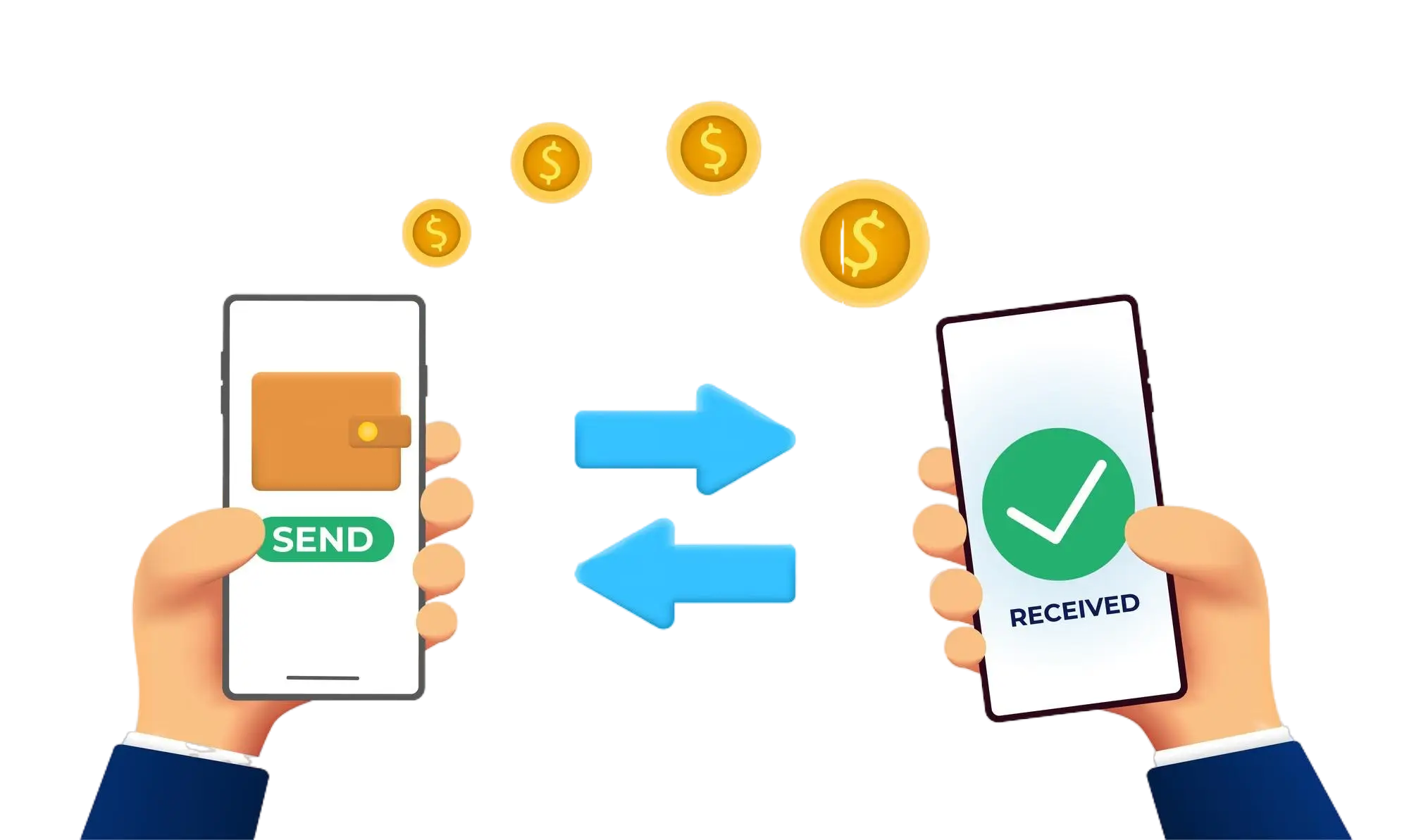
Our transfer system provides a seamless and secure way to move your funds. Enjoy a straightforward process with top-notch security features, ensuring that sending money to friends, family, or businesses is both quick and worry-free. Experience smooth transactions with confidence, knowing that your security is our highest priority.

  • Access the Transfer Section: Open the transfer section on our website or app.
  • Choose a Recipient: Select the recipient from your contacts or manually enter their details.
  • Enter the Amount: Specify the amount you want to transfer.
  • Authorize the Transfer: Confirm the transaction using your PIN or biometric authentication.
  • Receive Confirmation: Get a confirmation message indicating that your transfer was successful.
img