
/home/kueuepay/public_html/bootstrap/app.php
<?php

/*
|--------------------------------------------------------------------------
| Create The Application
|--------------------------------------------------------------------------
|
| The first thing we will do is create a new Laravel application instance
| which serves as the "glue" for all the components of Laravel, and is
| the IoC container for the system binding all of the various parts.
|
*/

$app = new Illuminate\Foundation\Application(
    $_ENV['APP_BASE_PATH'] ?? dirname(__DIR__)
);

/*
|--------------------------------------------------------------------------
| Bind Important Interfaces
|--------------------------------------------------------------------------
|
| Next, we need to bind some important interfaces into the container so
| we will be able to resolve them when needed. The kernels serve the
| incoming requests to this application from both the web and CLI.
|
*/

$app->singleton(
    Illuminate\Contracts\Http\Kernel::class,
    App\Http\Kernel::class
);

$app->singleton(
    Illuminate\Contracts\Console\Kernel::class,
    App\Console\Kernel::class
);

$app->singleton(
    Illuminate\Contracts\Debug\ExceptionHandler::class,
    App\Exceptions\Handler::class
);

/*
|--------------------------------------------------------------------------
| Return The Application
|--------------------------------------------------------------------------
|
| This script returns the application instance. The instance is given to
| the calling script so we can separate the building of the instances
| from the actual running of the application and sending responses.
|
*/

return $app;
Transfer Money
top

Effortless and Secure Money Transfers

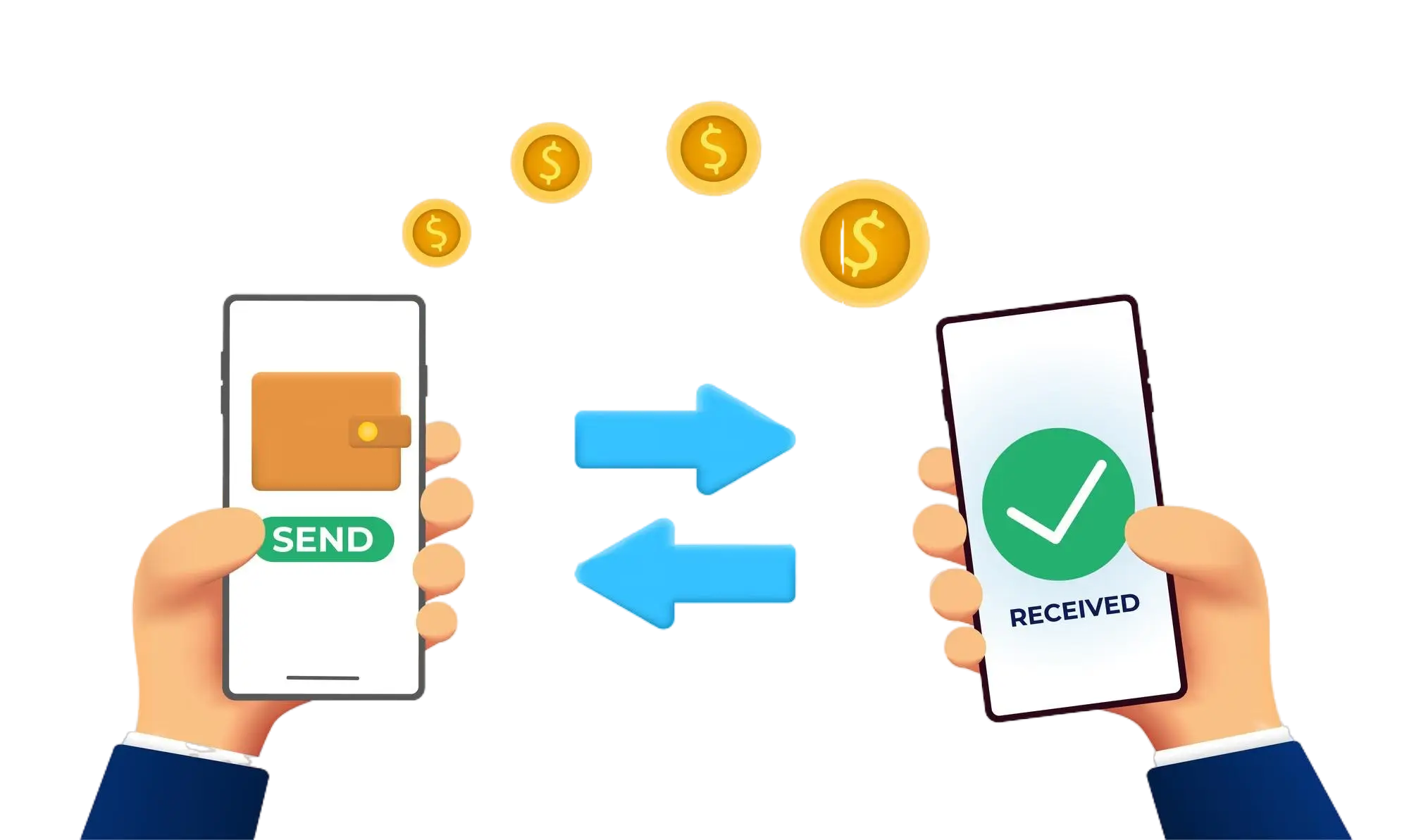
Our transfer system provides a seamless and secure way to move your funds. Enjoy a straightforward process with top-notch security features, ensuring that sending money to friends, family, or businesses is both quick and worry-free. Experience smooth transactions with confidence, knowing that your security is our highest priority.

  • Access the Transfer Section: Open the transfer section on our website or app.
  • Choose a Recipient: Select the recipient from your contacts or manually enter their details.
  • Enter the Amount: Specify the amount you want to transfer.
  • Authorize the Transfer: Confirm the transaction using your PIN or biometric authentication.
  • Receive Confirmation: Get a confirmation message indicating that your transfer was successful.
img