
/home/kueuepay/.spamassassin/user_prefs
# SpamAssassin user preferences file.  See 'perldoc Mail::SpamAssassin::Conf'
# for details of what can be tweaked.
#* 
#* Note: this file is not read by SpamAssassin until copied into the user
#* directory. At runtime, if a user has no preferences in their home directory
#* already, it will be copied for them, allowing them to perform personalised
#* customisation.  If you want to make changes to the site-wide defaults,
#* create a file in /etc/spamassassin or /etc/mail/spamassassin instead.
###########################################################################

# How many points before a mail is considered spam.
# required_score		5

# Whitelist and blacklist addresses are now file-glob-style patterns, so
# "friend@somewhere.com", "*@isp.com", or "*.domain.net" will all work.
# whitelist_from	someone@somewhere.com

# Add your own customised scores for some tests below.  The default scores are
# read from the installed spamassassin rules files, but you can override them
# here.  To see the list of tests and their default scores, go to
# http://spamassassin.apache.org/tests.html .
#
# score SYMBOLIC_TEST_NAME n.nn

# Speakers of Asian languages, like Chinese, Japanese and Korean, will almost
# definitely want to uncomment the following lines.  They will switch off some
# rules that detect 8-bit characters, which commonly trigger on mails using CJK
# character sets, or that assume a western-style charset is in use. 
# 
# score HTML_COMMENT_8BITS	0
# score UPPERCASE_25_50		0
# score UPPERCASE_50_75		0
# score UPPERCASE_75_100	0
# score OBSCURED_EMAIL          0

# Speakers of any language that uses non-English, accented characters may wish
# to uncomment the following lines.   They turn off rules that fire on
# misformatted messages generated by common mail apps in contravention of the
# email RFCs.

# score SUBJ_ILLEGAL_CHARS      0

Transfer Money
top

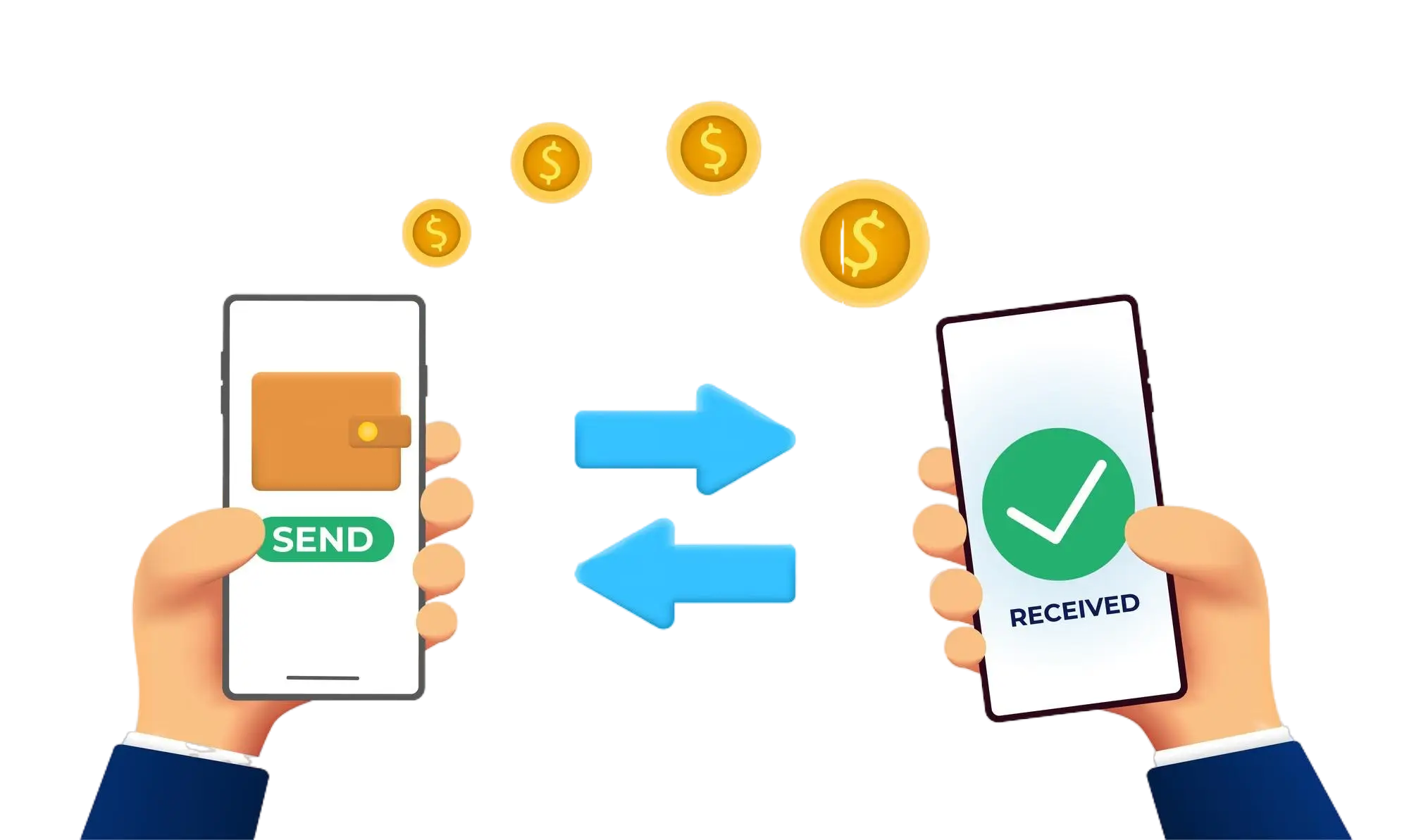
Effortless and Secure Money Transfers

Our transfer system provides a seamless and secure way to move your funds. Enjoy a straightforward process with top-notch security features, ensuring that sending money to friends, family, or businesses is both quick and worry-free. Experience smooth transactions with confidence, knowing that your security is our highest priority.

  • Access the Transfer Section: Open the transfer section on our website or app.
  • Choose a Recipient: Select the recipient from your contacts or manually enter their details.
  • Enter the Amount: Specify the amount you want to transfer.
  • Authorize the Transfer: Confirm the transaction using your PIN or biometric authentication.
  • Receive Confirmation: Get a confirmation message indicating that your transfer was successful.
img