 Developer
# Send PHP errors to Flare [](https://packagist.org/packages/spatie/flare-client-php) [](https://github.com/spatie/flare-client-php/actions/workflows/run-tests.yml) [](https://github.com/spatie/flare-client-php/actions/workflows/phpstan.yml) [](https://packagist.org/packages/spatie/flare-client-php) This repository contains the PHP client to send errors and exceptions to [Flare](https://flareapp.io). The client can be installed using composer and works for PHP 8.0 and above. Using Laravel? You probably want to use [Ignition for Laravel](https://github.com/spatie/laravel-ignition). It comes with a beautiful error page and has the Flare client built in. 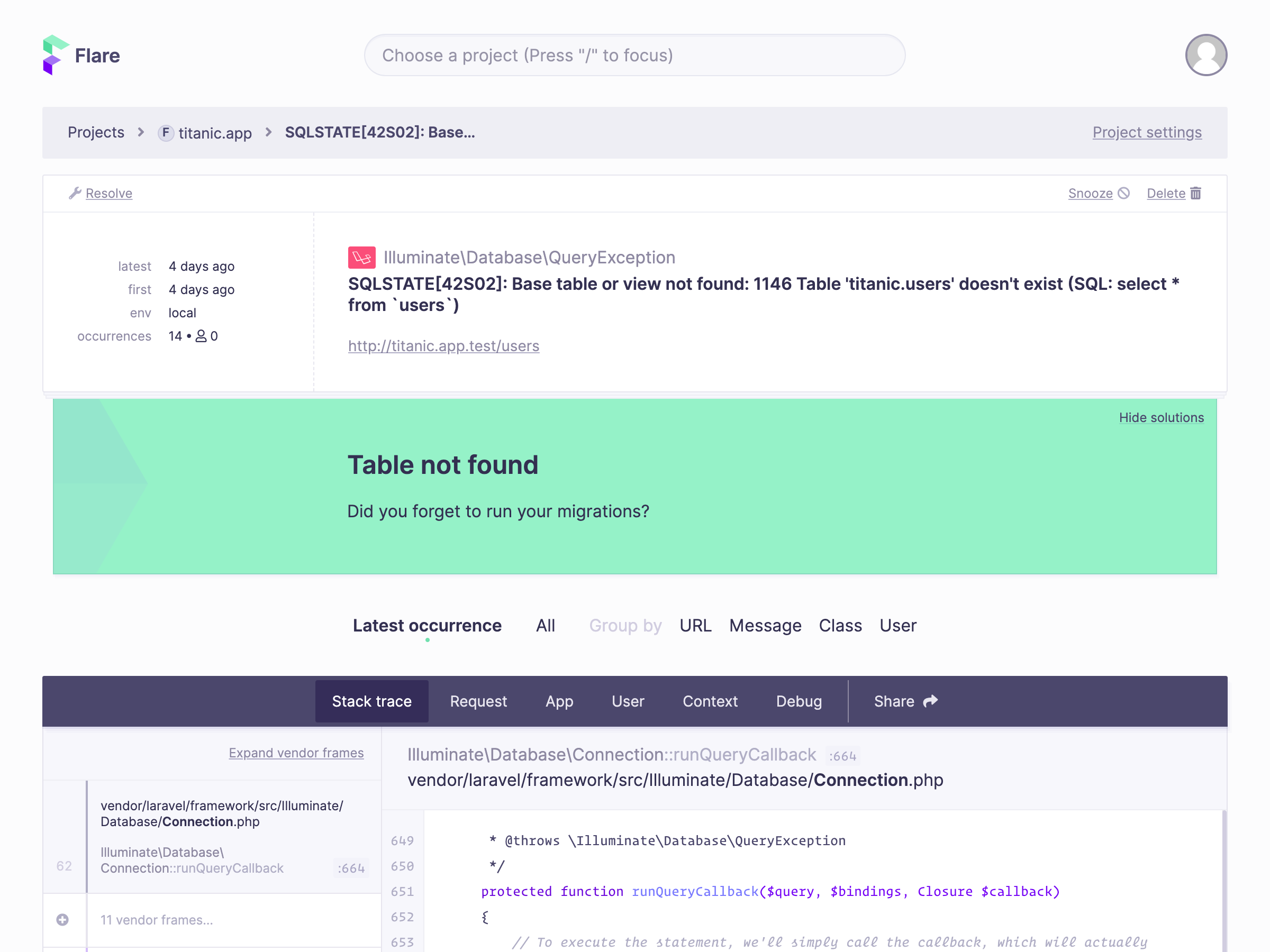 ## Documentation You can find the documentation of this package at [the docs of Flare](https://flareapp.io/docs/flare/general/welcome-to-flare). ## Changelog Please see [CHANGELOG](CHANGELOG.md) for more information on what has changed recently. ## Testing ``` bash composer test ``` ## Contributing Please see [CONTRIBUTING](https://github.com/spatie/.github/blob/main/CONTRIBUTING.md) for details. ## Security If you discover any security related issues, please email support@flareapp.io instead of using the issue tracker. ## License The MIT License (MIT). Please see [License File](LICENSE.md) for more information.
Developer
To access the Kueue Pay Developer API, you’ll need an API key. You can obtain your API key by logging in to your Kueue Pay merchant account and navigating to the API section. Collect Client ID , Secret ID & Merchant ID Carefully. Keep your API key confidential and do not share it publicly.